User Research on a Budget: 7 Methods That Actually Work

User research has a branding problem.
Too many teams think it requires expensive tools, dedicated researchers, and months of analysis. In reality, some of the most effective user research methods cost little to nothing—if you know where to look and how to structure the work.
If you’re a startup, solo founder, or small product team, this guide shows how to run budget user research that still drives confident product decisions.
No labs. No incentives budget. No fluff.
Why Budget User Research Still Works
User research isn’t about perfection.
It’s about reducing risk.
Early and mid-stage teams don’t need statistically perfect data. They need:
- Directional insight
- Clear patterns
- Fast feedback loops
Well-chosen UX research techniques uncover usability issues, unmet needs, and messaging gaps long before they become expensive mistakes.
The 7 Budget User Research Methods That Deliver Real Value
Each method below is:
- Low-cost or free
- Fast to execute
- Proven in real product teams
You don’t need to run all seven. Pick two or three based on your stage.
1. Guerrilla Usability Testing
What it is
Quick, informal usability testing with real people—often in public or via short remote sessions.
Why it works
You don’t need perfect participants to uncover obvious usability issues. Five quick sessions often surface 80% of major problems.
How to run it cheaply
- Ask friends, coworkers, or online communities
- Use screen share over Zoom or Google Meet
- Give a single task and observe silently
Focus on:
- Where users hesitate
- What they misunderstand
- What they expect to happen
Cost: Free
Time: 1–2 hours
2. On-Site and In-App Surveys
What it is
Short surveys triggered at key moments—signup, cancellation, feature use.
Plug-and-Play Development Talent for Your Team
Why it works
Surveys scale insight quickly when questions are focused.
High-impact questions to ask
- “What were you trying to do today?”
- “What almost stopped you from completing this?”
- “What alternatives did you consider?”
Use free-tier tools like Google Forms or basic in-product modals.
Avoid long surveys. One to three questions is enough.
Cost: Free–low
Time: 1 hour setup, ongoing results
3. Competitor Review Mining
What it is
Analyzing user reviews of competitors to identify unmet needs and pain points.
Why it works
Users are brutally honest when reviewing products they didn’t love.
Where to look
- App Store / Google Play
- G2, Capterra, Trustpilot
- Reddit threads and niche forums
Look for repeated phrases like:
- “I wish it had…”
- “This is frustrating because…”
- “Switched because…”
WorkSub - 30% cost savings vs traditional agencies
This is one of the highest ROI user research methods available.
Cost: Free
Time: 2–3 hours
4. Analytics and Behavior Analysis
What it is
Using existing analytics to understand what users actually do—not what they say.
Why it works
Behavior reveals friction faster than opinions.
What to analyze
- Drop-off points in funnels
- Rage clicks or repeated actions
- Feature adoption vs abandonment
Even basic analytics tools reveal:
- Where users get stuck
- What features are ignored
- Which paths convert
Pair analytics with one qualitative method for best results.
Cost: Free (if already installed)
Time: 1–2 hoursfree-tier
Plug-and-Play Development Talent for Your Team
5. Support Tickets and Sales Calls Review
What it is
Mining support conversations, emails, and sales calls for patterns.
Why it works
These are moments of high emotion and clarity—users explain problems in their own words.
What to extract
- Repeated questions
- Feature confusion
- Objections and hesitation
Tag issues by theme. After 20–30 entries, patterns emerge quickly.
Cost: Free
Time: 1–2 hours
6. One-on-One User Interviews (Lightweight)
What it is
Short, informal interviews focused on a single topic—not full research sessions.
Why it works
Five honest conversations beat fifty survey responses.
How to keep it budget-friendly
- 20–30 minutes max
- No incentives (or small gift cards)
- Focus on recent behavior, not hypotheticals
Ask:
- “Walk me through the last time you…”
- “What was harder than expected?”
Record calls (with permission) and summarize themes—not transcripts.
Cost: Low
Time: Moderate
7. Prototype Testing With Clickable Mockups
What it is
Testing ideas before they’re built using clickable designs.
Why it works
You validate assumptions without writing code.
How to do it cheaply
- Use free tiers of design tools
- Test flows, not visuals
- Ask users to narrate their thinking
This method prevents expensive rework later.
Cost: Free–low
Time: 1–2 hours
Visual Framework: Choosing the Right Budget Research Method
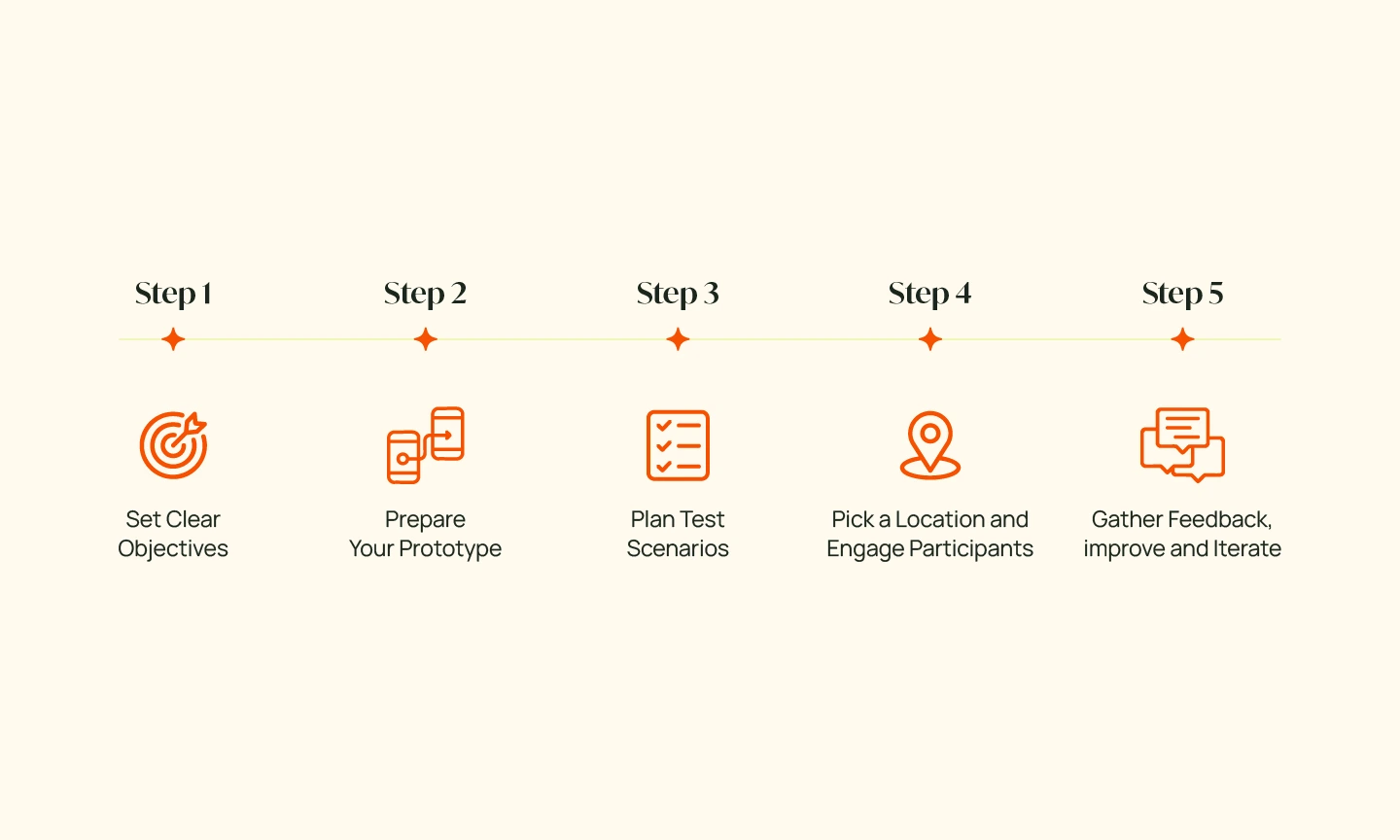
Use this decision lens:
Early idea validation
→ Competitor reviews + interviews
Usability improvement
→ Guerrilla testing + analytics
Messaging and positioning
→ Surveys + sales call review
- Asking leading questions
- Collecting data without synthesis
- Treating one method as “enough.”
- Ignoring patterns because they’re inconvenient
Research only works when insights lead to action.
FAQs: Budget User Research Explained
What are the best low-cost user research methods?
Guerrilla usability testing, competitor review mining, analytics analysis, and short user interviews deliver the most insight for the least cost.
How many users do you need for UX research?
For qualitative research, 5–7 users often uncover the majority of usability issues.
Is user research worth it for small teams?
Yes. Budget user research reduces wasted development time and improves conversion with minimal investment.
Can analytics replace user research?
No. Analytics show what happened. Research explains why it happened.
How often should teams do user research?
Continuously, in small batches. Lightweight research before and after major changes works best.
Conclusion: Budget Research Is a Competitive Advantage
You don’t need a research department to understand users.
You need curiosity, structure, and consistency.
Teams that practice regular, low-cost user research:
- Build faster
- Waste less
- Ship with confidence.